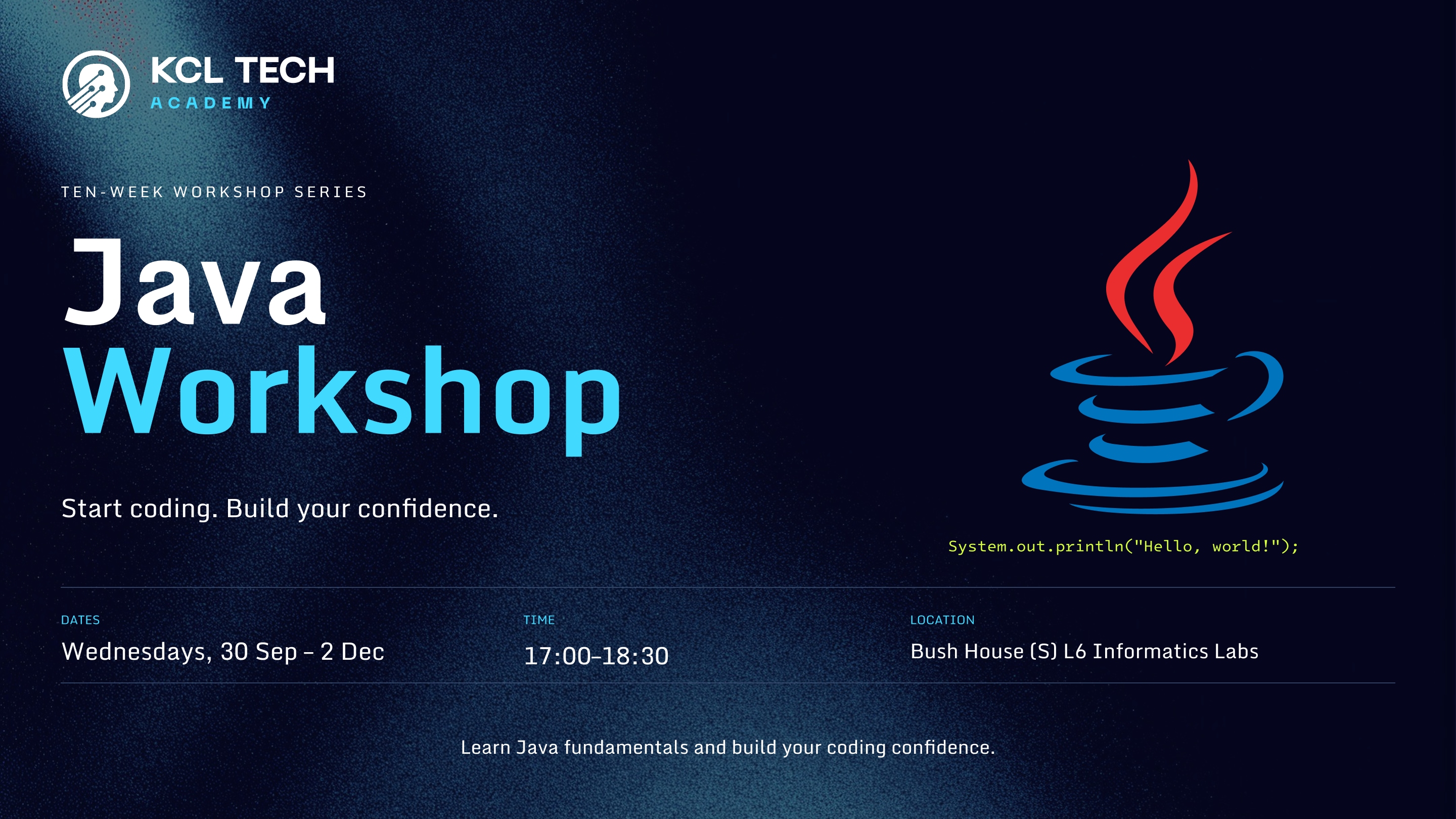
Ready to start coding? Join us for a hands-on introduction to programming at KCL Tech Academy. This workshop is designed for students who are curious about coding but don't know where to begin. Across the sessions, you'll learn how to turn ideas into working programs, understand how code fits together, and develop the problem-solving skills needed to tackle programming challenges. Each 90-minute session combines short explanations with plenty of time to experiment, write code, and solve problems yourself. You'll have the opportunity to make mistakes, ask questions, and see your programs come to life. What you'll learn: Getting Started: Learn how programs work, how to write your first pieces of code, and how to use the tools needed to develop your own programs. Building Your Foundations: Work with variables, decisions, loops, methods, and other fundamental programming concepts through practical examples and exercises. Thinking Like a Programmer: Learn how to break larger problems into smaller, manageable steps and translate your ideas into working code. From Code to Projects: Put what you've learned together to create small interactive programs and projects, giving you experience applying concepts rather than simply memorising them. Going Further: As your confidence grows, you'll be introduced to more advanced concepts such as arrays and object-oriented programming, giving you a strong foundation to continue developing your skills. Support Along the Way: Our Programming Leads will be on hand throughout the sessions to answer questions, help you work through bugs, and guide you when you get stuck.
Week 1: Introduction to Java
An introduction to Java programming and the BlueJ development environment.
Topics covered:
Week 2: User Input & Interactive Programs
An introduction to receiving information from users and using it within Java programs.
Topics covered: • Using Scanner to receive user input • Reading text, whole numbers and decimal numbers • Type conversion and parsing • String methods and comparison • Building an interactive story • Creating a universal weight converter
In Week 3, we explored how to make programs respond differently depending on certain conditions.
Topics covered: • Boolean values (true and false) • Comparison operators (==, !=, <, >, <=, >=) • Logical conditions • if statements • if-else statements • else-if statements • Using conditions with user input through Scanner • Comparing Strings using .equals()
By the end of the session, students were able to write programs that make decisions based on user input and different conditions.
Practical exercises included building a Ticket Checker and a Shop Discount Calculator.
In Week 4, we explored loops and how they allow programs to repeat instructions without having to write the same code multiple times.
Topics covered: • Introduction to loops and iteration • for loops • while loops • Loop conditions and termination • Incrementing and decrementing variables • Understanding infinite loops • Using loops alongside if statements • Repeating calculations and processing sequences of numbers
By the end of the session, students were able to use loops to automate repetitive tasks, process numbers and combine iteration with conditional statements.
Practical exercises included creating a Number Summary program, calculating multiplication tables and building a Number Guessing Game.
In Week 5, we explored collections in Java and how they allow programs to store and organise multiple pieces of data.
Topics covered: • Introduction to collections • Lists and ArrayLists • Adding, retrieving, updating and removing elements • Understanding indexes and why they start at 0 • Iterating through collections using loops • Sets and HashSets • Understanding unique elements and preventing duplicates • HashMaps and key-value pairs • Adding and retrieving values using keys
By the end of the session, students were able to store multiple values, manipulate collections, identify duplicates and retrieve information using keys.
Practical exercises included building a Shopping List Manager, identifying unique attendees and creating a Mini Playlist Manager.
Students explored object-oriented programming in Java by creating classes, objects, constructors and methods. They applied these concepts to build a Mini Library Management System, using ArrayList to manage books and implementing functionality to add, display, borrow and return books.